About this tool
Free Online Word and Character Counter
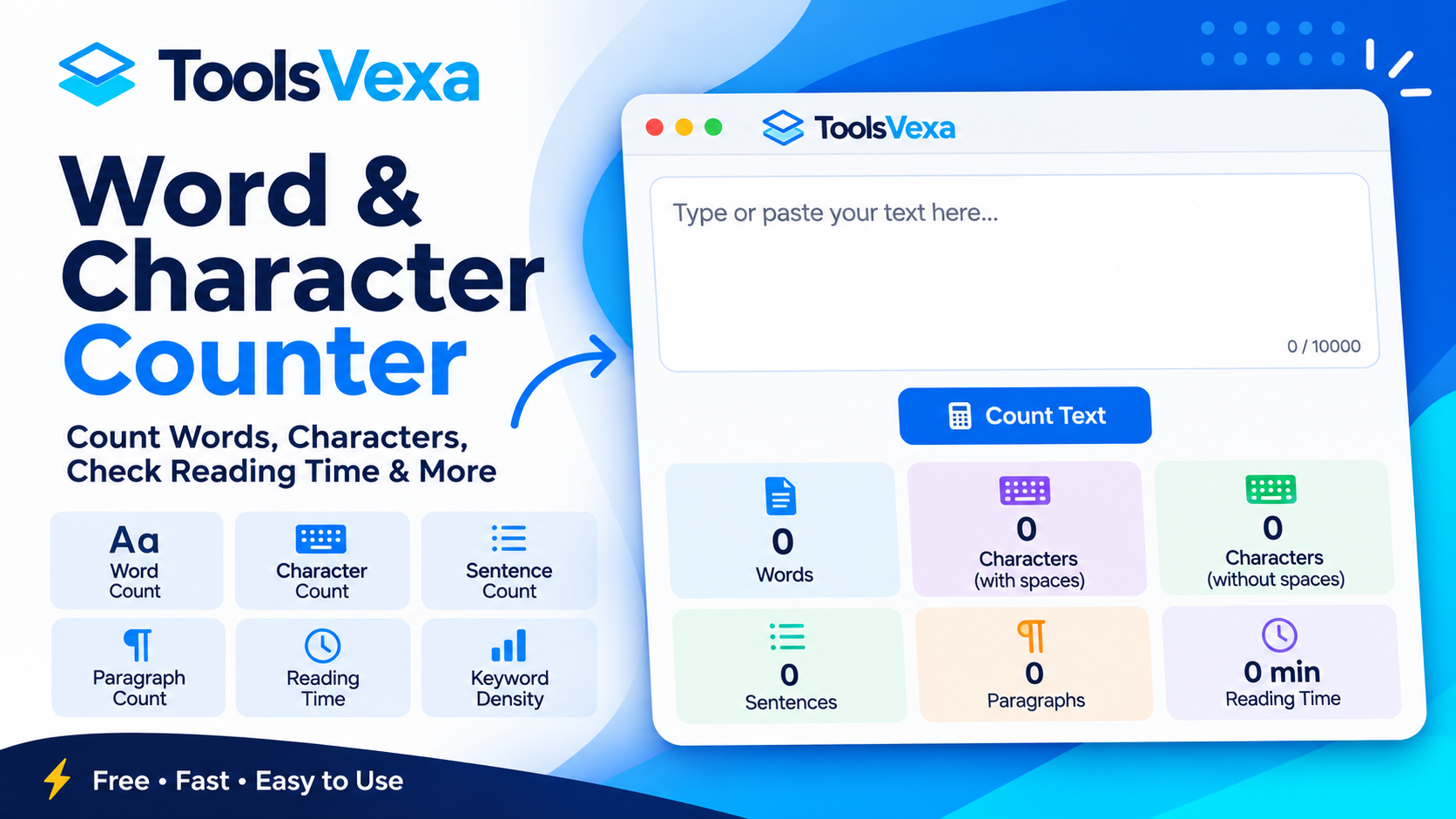
Need to count words or check the character limit of your text? ToolsVexa Word and Character Counter is a free online tool that helps you analyze text instantly. Whether you are writing an essay, preparing an assignment, creating social media posts, editing website content, or writing an SEO meta description, this tool gives you useful text statistics in one place.
Simply type your text or paste it into the text box. The counter automatically calculates words, characters, characters without spaces, sentences, and paragraphs as you work. You do not need to click a button or wait for a separate result.
What Can You Count?
- Word Count: Find the total number of words in your text.
- Character Count: Count all characters, including spaces.
- Characters Without Spaces: Check the character total after excluding spaces.
- Sentence Count: See how many sentences your text contains.
- Paragraph Count: Check the number of paragraphs in your content.
- Reading Time: Estimate how long it may take to read your text.
- Speaking Time: Estimate the time required to speak your text aloud.
- Keyword Density: Review frequently used words and their percentage in your text.
Example: How Word and Character Counting Works
Consider this sample text:
"ToolsVexa provides free online tools for everyone."
The word and character counter analyzes the text and displays different statistics, including:
- Word Count: 8
- Character Count: 50 (including spaces and punctuation)
- Characters Without Spaces: 43
- Sentence Count: 1
- Paragraph Count: 1
The results update automatically as you type or edit your text. This makes it easy to check word limits and character requirements without manually counting each word.
Check Keyword Density
The keyword density feature helps you identify which words appear most frequently in your content. It displays commonly used words along with their frequency and percentage. You can also enable the option to ignore common words such as "the", "and", and "is" to focus on more meaningful terms.
This feature can help writers and website owners review their content. However, keyword density should be used as a writing reference rather than a fixed SEO ranking formula. Write naturally and avoid repeating keywords unnecessarily.
Who Can Use This Tool?
ToolsVexa Word and Character Counter is useful for students, teachers, bloggers, content writers, journalists, social media managers, and digital marketers. Students can check assignment word limits, writers can analyze article length, and marketers can review character limits for SEO titles, meta descriptions, and social media posts.
You can also analyze text written in English, Urdu, and Arabic. Results may vary depending on language structure, spacing, and punctuation conventions.
Free and Easy to Use
ToolsVexa Word and Character Counter is designed to make text analysis simple and convenient. It works directly in your browser, and the text you enter stays on your device rather than being uploaded to our server. No account or registration is required.
Use this free word counter whenever you need a quick and convenient way to count words, check characters, estimate reading time, or review keyword usage.