About this tool
Free Image Compressor and Converter
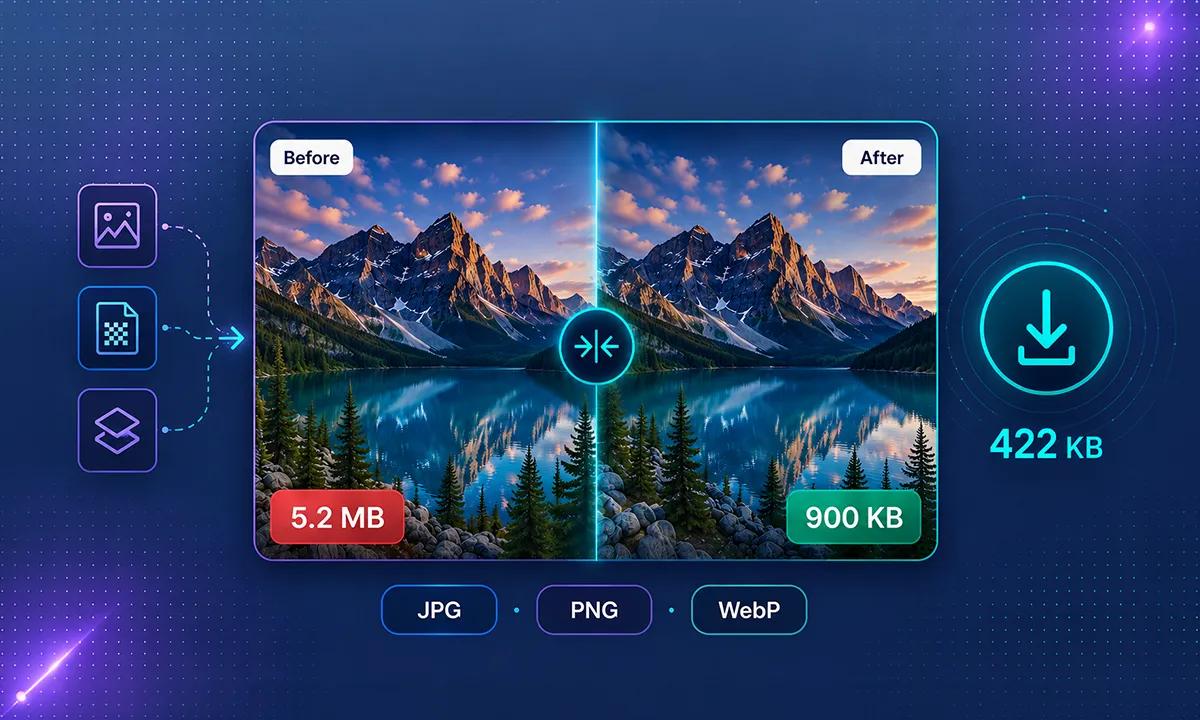
A photo taken with a phone camera can easily be several megabytes in size. For websites, emails, online stores, social media, and everyday sharing, these large image files are often much bigger than necessary. Our free Image Compressor & Converter helps you compress, resize, and convert images online while maintaining a good balance between file size and visual quality.
ToolsVexa Image Compressor & Converter lets you compress JPG, PNG, and WebP images directly in your browser without installing image editing software. You can add one or multiple images, select an output format, adjust image quality, and optionally set a maximum width before downloading your optimized files.
The tool shows the original file size, compressed file size, and percentage saved for each image. This makes it easy to compare your images and choose the result that works best for your website, email, storage, or other needs.
Compress JPG, PNG and WebP Images
You can compress common image formats including JPG, PNG, and WebP. Choose the format that best matches your requirements and adjust the quality setting to control the balance between image quality and file size.
Compress JPG Images
JPG is a popular format for photographs and images with many colors. Compressing JPG images can significantly reduce file size while maintaining good visual quality. JPG is often a practical choice for photos used on websites, blogs, online stores, and social media.
Compress PNG Images
PNG is useful when you need lossless image quality or transparency. PNG files can be larger than JPG files, especially for photographs. Resizing a large PNG image can help reduce its file size while preserving the details you need.
Compress WebP Images
WebP is a modern image format designed for efficient web images. It can often provide smaller file sizes while maintaining good visual quality, making it a useful choice for websites and optimized online content.
Convert Images Between Formats
In addition to image compression, you can use the tool to convert images between supported formats. Upload your image, choose the desired output format, adjust the quality if needed, and click Compress to create the optimized version.
You can convert JPG images to WebP, PNG images to WebP, and other supported format combinations available in the tool. Choosing the right format can help you balance image quality, file size, and compatibility.
Resize Images Online
Large image dimensions can contribute significantly to file size. If an image is much wider or taller than the size required on your website, resizing it can reduce the amount of data stored in the file.
Use the maximum width option to resize an image before downloading it. If an image is several thousand pixels wide but only needs to appear at a smaller size on a webpage, reducing its width can make the final file considerably smaller.
How to Reduce Image Size Without Losing Quality
Image compression involves a balance between file size and visual quality. For many photographs, a quality setting between 70 and 85 can provide a useful balance between smaller files and good-looking images.
Resizing an unnecessarily large image can also make a major difference. Before uploading an image to a website, consider the actual dimensions required. There is usually little benefit in using a very large image when it will only be displayed at a much smaller size.
Important Note About Transparent Images
Transparent PNG images require special consideration when converting to JPEG. JPEG does not support transparency, so transparent areas cannot remain transparent after conversion.
If you need to preserve transparency, consider using PNG or WebP instead of JPEG.
Why Should You Compress Images?
Large image files can increase the amount of data a website needs to load. Compressing images can help reduce page size, save storage space, use less bandwidth, and improve loading performance.
Image compression is useful for website owners, bloggers, developers, photographers, online sellers, students, and anyone who regularly works with large image files.
Related Tools and Guides
If you work with other types of online files and content, you can also use the free tools available on ToolsVexa.
How to Compress Images for a Faster Website Without Losing Quality
Free Online Image Compressor
ToolsVexa provides a simple way to compress images online for free. You can optimize JPG, PNG, and WebP images, adjust quality, resize images, and convert supported formats without installing complicated image editing software.
Whether you need to reduce an image for a website, make an email attachment smaller, optimize product photos, or save storage space, this online image compressor and converter gives you the tools you need in one place.