QR Code Generator

Create QR codes for website links, text, a contact card or Wi-Fi details, with custom colors and size.

Scanning the code opens this website.
Scanning the code offers to save this as a new phone contact.
Scanning the code offers to join this Wi-Fi network - no typing the password.

Customise

About this tool

Point a phone camera at a small square pattern and a link opens, a contact saves, a network connects. That's a QR code, and it's now ordinary enough to show up on restaurant menus, business cards, posters and Wi-Fi routers, mostly because scanning beats typing out a long link or a password by hand.

Four kinds of code live here. A website URL code opens a link on scan. A text code just displays whatever you typed, a note, a message, an address, right on the scanning phone's screen. A contact code bundles a name, phone number, email and company into a standard vCard, so the phone offers to save it straight away. A Wi-Fi code hands over a network name, password and security type, letting someone join without typing a thing.

Pick your own foreground and background colours and a size anywhere from 150 to 1000 pixels, whether that's for matching a brand, printing at a specific size, or just making the code easier to scan from across a room. Download the result as a PNG and it's ready to print or share.

All of it happens in your browser. The code is built and drawn locally, so whatever you type in, a link, a contact's details, a Wi-Fi password, never gets uploaded or stored anywhere.
How to use

  1. Choose a tab: Website URL, Text, Contact or Wi-Fi, and fill in the details for that kind of code.
  2. Optionally change the foreground colour, background colour and size under Customise.
  3. Click Generate QR Code to see a live preview.
  4. Click Download PNG to save the image.

Frequently asked questions

No. The built-in camera app on every modern iPhone and Android phone can scan a QR code directly. Just point the camera at it and tap the notification that appears.

No. The QR code is generated entirely in your browser. Links, messages, contact details and Wi-Fi passwords you enter are never sent to or stored on a server.

A dark foreground on a light background scans most reliably. Very light or low-contrast color combinations can make a code harder for some scanners to read, so test a code with your own phone before printing it widely.

QR codes have a data limit that depends on how much is encoded and the error correction used. If your text is too long for a single code, the tool will tell you so you can shorten it.

Yes. Anyone who scans a Wi-Fi QR code can join that network, the same as if they were given the password directly. Only share a Wi-Fi code with people you want on your network.

Yes. Download it as a PNG and print it at any size; using a larger pixel size before printing keeps the code sharp.

Related articles

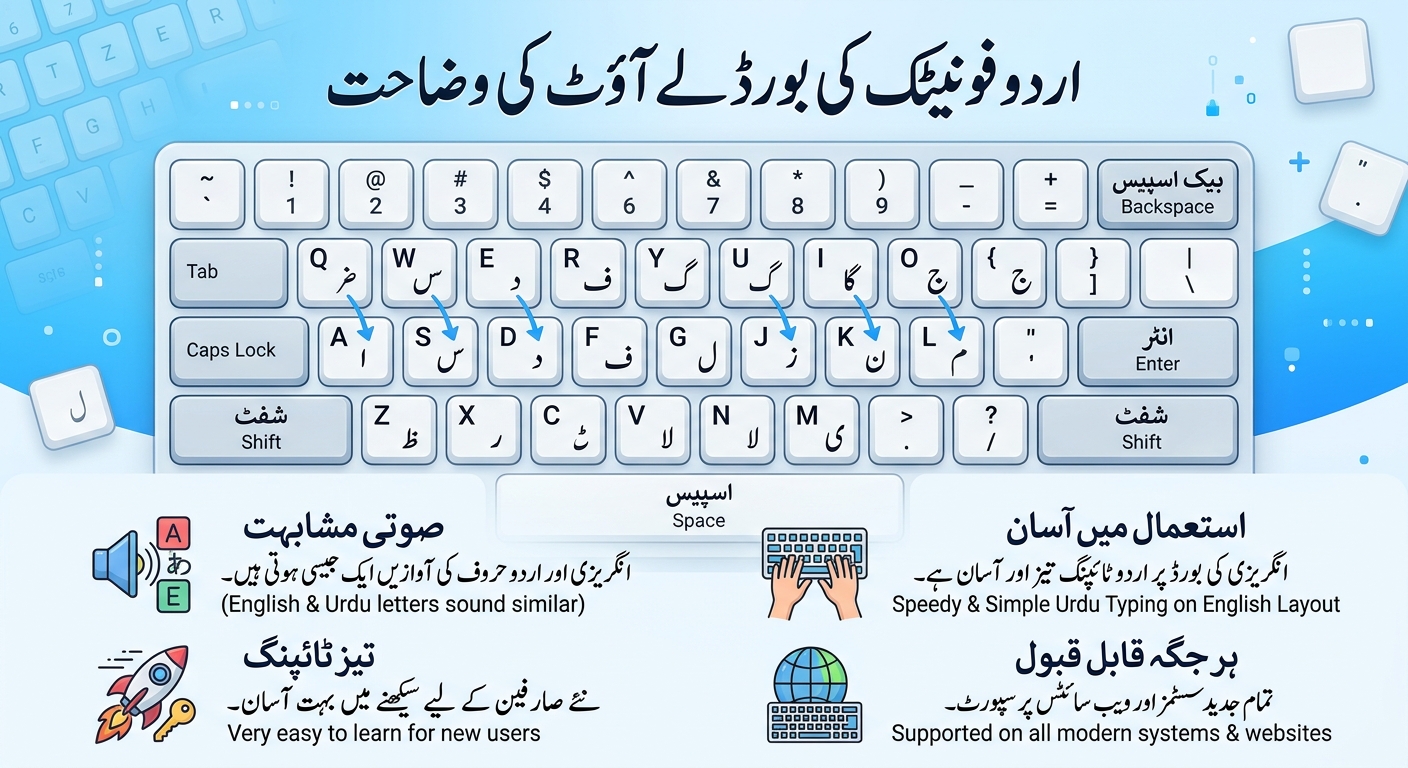
Urdu Phonetic Keyboard Layout Explained
Guides Nov 10, 2026

Urdu Phonetic Keyboard Layout Explained

A complete chart of the Urdu phonetic keyboard layout: every letter, every Shift key, the vowel marks and the punctuation, with practice words you can try yourself.