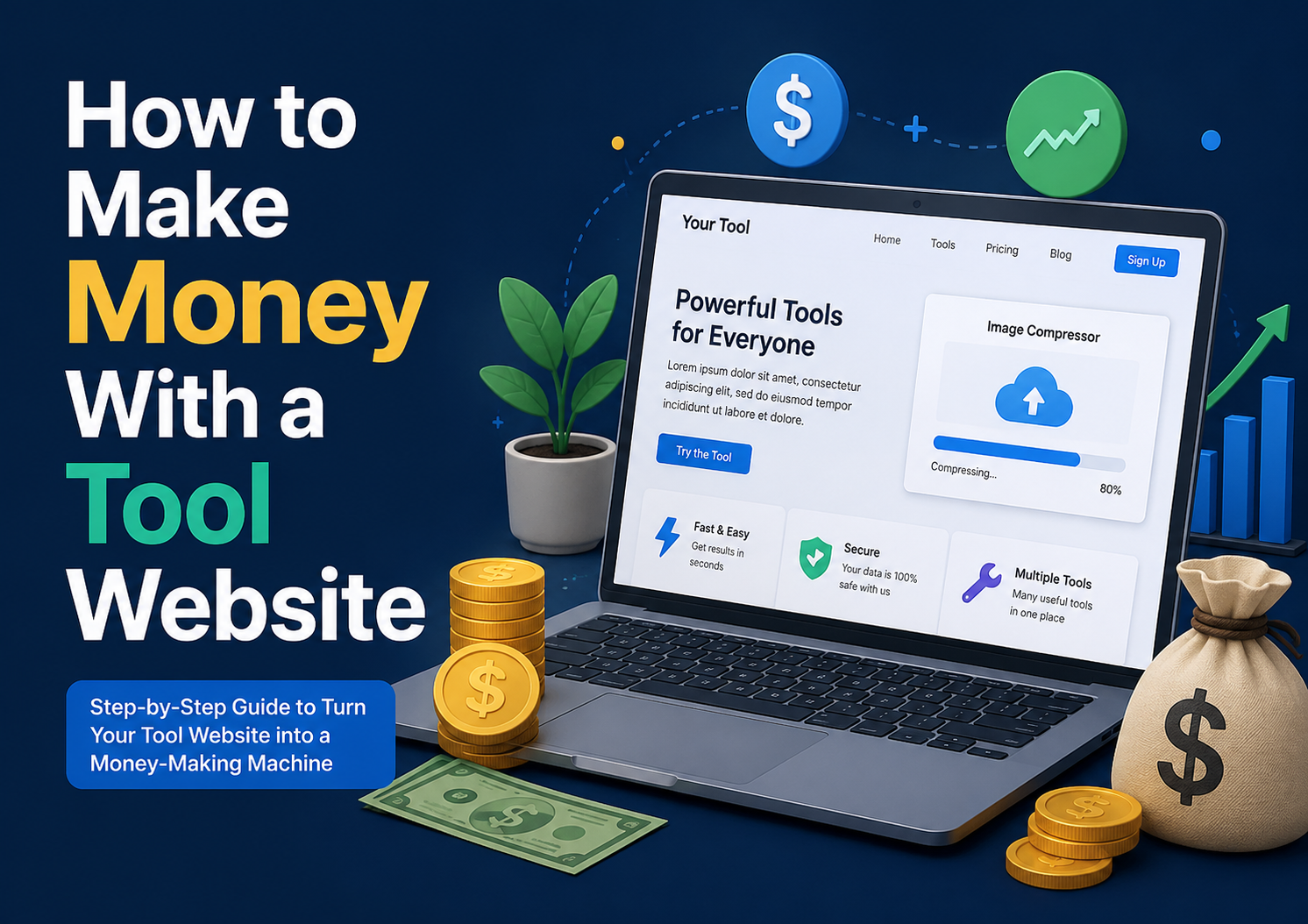
How to Make Money With a Tool Website
I recently launched ToolsVexa, a small collection of free online tools: a JSON formatter, a QR code generator, an image compressor, specially transliteration tool and a few others. Building them was the easy part. The question I kept getting from friends was, “Okay, but how does a free tool site actually earn anything?”
Here is a plain answer, based on how these sites generally work.
Why People Build Tool Websites
A tool website does one small job. Someone needs to compress a photo or count the words in an essay, so they search Google, land on a page, use the tool, and leave. The visit lasts a minute or two, but there are a lot of these visits because people search for tools all day long.
The costs are also low. Most tools run in the browser, so you do not need expensive servers. A basic hosting plan is enough to start.
Display Ads
For most tool sites, ads are the first source of income. Google AdSense is the usual choice. You place ad code on your pages, and Google pays you when visitors see or click the ads.
AdSense does not approve every site. Reviewers want to see real content, working tools, and the basic trust pages: About, Privacy Policy, Terms, and Contact. They also want a site that is easy to use on a phone. Most people wait until they have a good number of indexed pages and some steady traffic before applying. Applying too early usually ends in a rejection, which is annoying but not the end of the world.
One rule you should never break: do not click your own ads. Google notices, and the account can be banned for good.
Affiliate Links
With affiliate marketing, you recommend a product and earn a commission if someone buys through your link.
This works best when the recommendation fits the page. A visitor using a password hash generator may be interested in a good hosting provider. Someone compressing images may want a stock photo site or a design tool. Blog posts are the natural place for this, for example, “free tools every web developer should bookmark.”
Only link to things you would actually recommend. A visitor who feels tricked will not come back, and that costs you more than any commission.
Paid Features
Once a tool has regular users, you can offer a paid version while keeping the basic tool free. Typical upgrades are bulk processing, higher limits, an ad-free page, or API access for developers.
The free tool brings in the traffic. The paid plan is for the small group of people who use it heavily and would happily pay to save time.
Sponsorships and Your Own Services
When a site gets a decent number of visitors, businesses sometimes pay for a sponsored post or a banner spot. These deals can pay more than ads, but they usually need a few thousand monthly visitors first.
A tool site can also work as a portfolio. If you are a developer or designer, your tools show what you can build, and some visitors will end up asking whether you take on client work.
Traffic Comes First
None of the above matters without visitors, and visitors mostly come from Google. A few things help more than anything else:
- Write a short explanation on every tool page: what it does, how to use it, and a few common questions. A page with only a text box and a button gives Google very little to work with.
- Publish blog posts that answer real questions people type into search, and link them to the matching tool. Link back from the tool to the post as well.
- Submit your sitemap to Google Search Console, and check the Pages report now and then to see what has been indexed.
- Keep the site fast. Run it through PageSpeed Insights and fix whatever it flags.
- Share your tools in communities where they are actually useful, and avoid dropping links everywhere.
What to Expect
A new site is slow at the start. For the first couple of months, you may get almost no visitors, and that is normal. Google needs time to find your pages and decide whether to trust them. Most tool sites that do well got there by adding a new tool or article every week and not stopping when the early numbers were small.
If you are in Pakistan, check AdSense’s current payment options and tax requirements before you apply, because these rules change from time to time.
Mistakes Worth Avoiding
Copying tools that already exist in the exact same form gives people no reason to choose your site. Cluttering pages with ads too early drives visitors away. Ignoring mobile layout loses most of your audience. And building tools without checking whether anyone searches for them wastes weeks.
Wrapping Up
A tool website is a slow project, but it does not need much money to start. Build something useful, explain it clearly, and keep adding to it. Income comes after traffic, and traffic comes after trust.
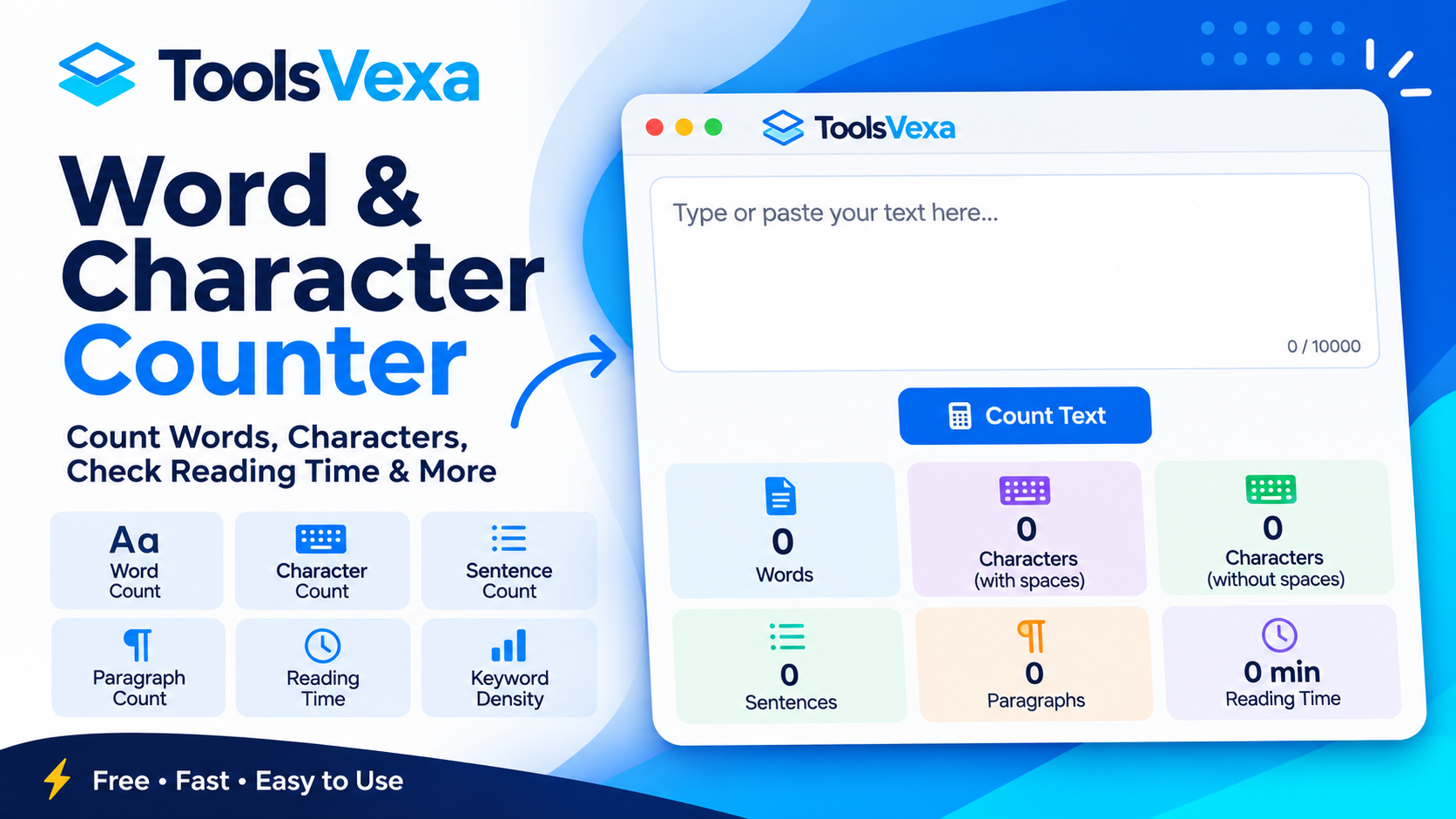
Before publishing a blog post or website article, it is important to check its length and readability. The free ToolsVexa Word and Character Counter tool makes this easy by counting words, characters, sentences, and paragraphs while also estimating reading and speaking time. It also includes keyword density analysis to help you review frequently used words in your content.